Projector Not Showing Your Laptop Screen: Classroom Checks
Follow classroom checks for a projector with no laptop image: input selection, cables, Windows output mode, Mac detection, and a useful support report.
Follow classroom checks for a projector with no laptop image: input selection, cables, Windows output mode, Mac detection, and a useful support report.

Arrange checked PDFs into a classroom pack, then verify page order, duplicates, answer-key separation, and print layout.
Use a page map to extract the right student handouts, preserve your source PDF, and keep teacher keys out of the files you share.
Export a Google Doc as a PDF and check tab scope, page breaks, paper size, diagrams, and student-only content before sharing.
Compare Brisk, Revision Genie, and TeachShare workflows, then check an adapted passage for accurate facts, preserved vocabulary, and evidence for your lesson questions.
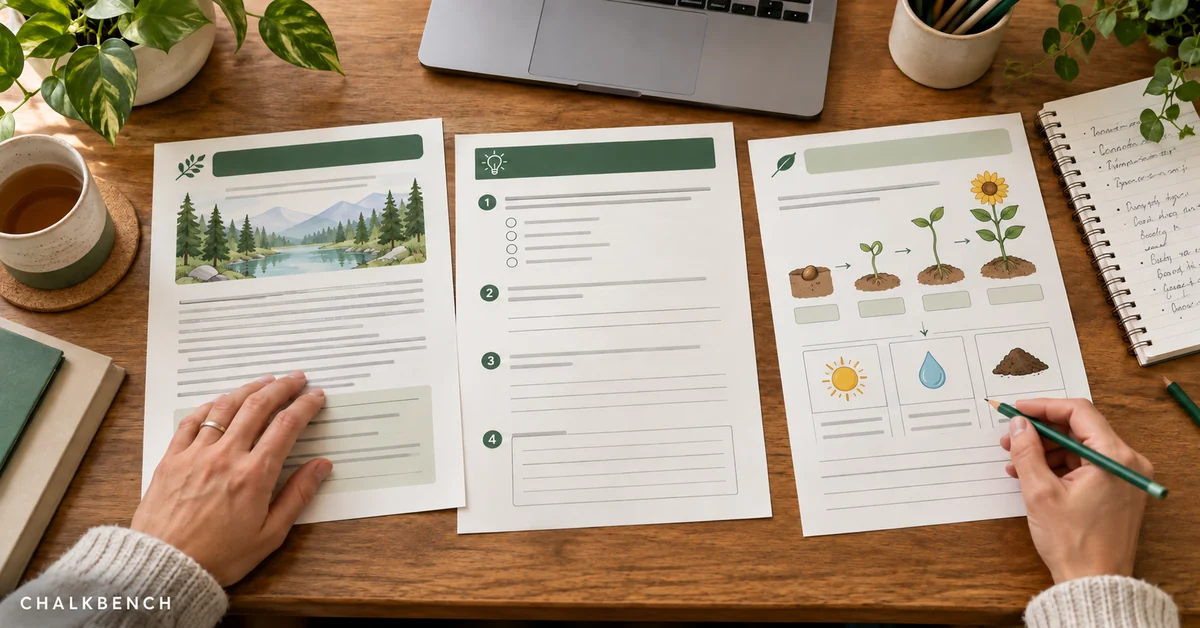
Compare AI worksheet generators by source material, question quality, editing options, and printable output before choosing a workflow.
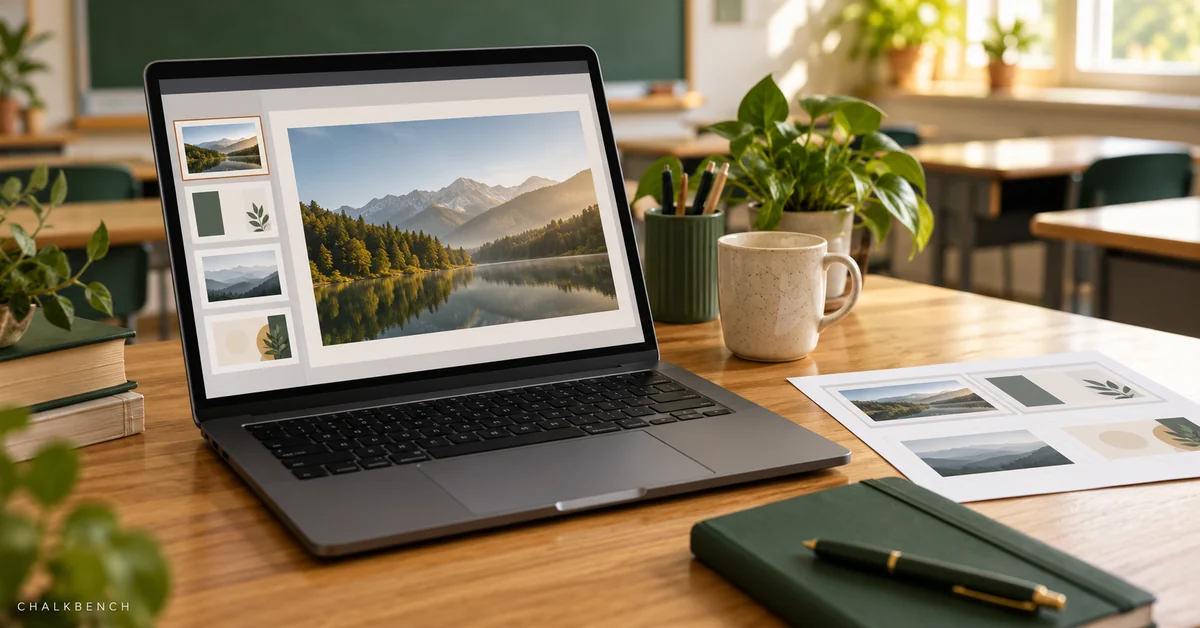
Reduce PowerPoint file size while preserving readable images, working media, captions, and a usable teaching presentation.
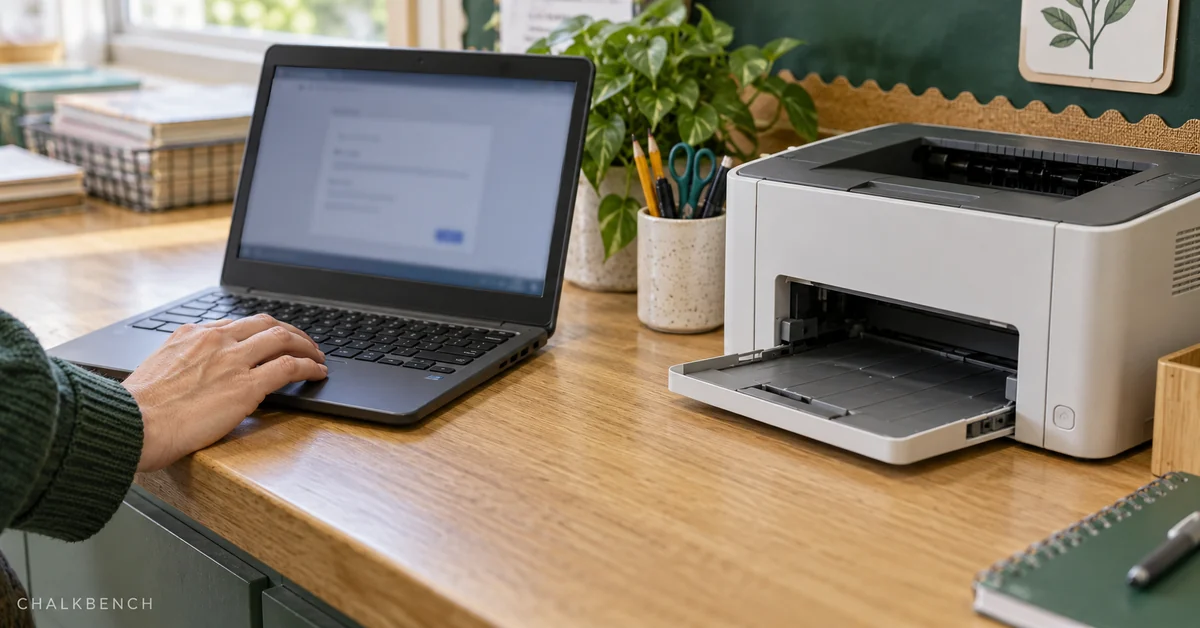
Troubleshoot Chromebook printing by checking the printer, connection, and file, then give school IT a clear fault report.
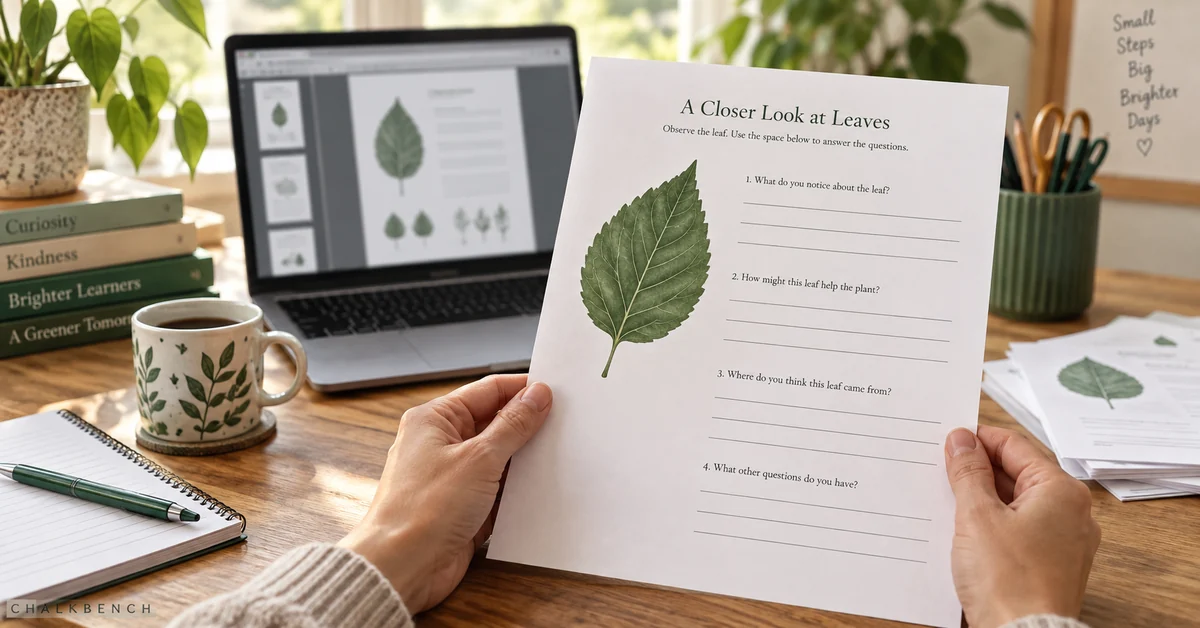
Turn a PDF into a printable worksheet with AI, review the answer key, and check the layout before sharing.
Turn a PDF into a quiz with AI, verify answers against the source, and prepare a checked student version.