Skip to content

ChalkBench

  • Home
  • All Articles
  • AI Tools
  • Reviews
  • Compare
  • Tech Help
  • Resources
  • Free Tools

Classroom Tech Help

Google Classroom File Won’t Open: Check Account, Permission and File Type
October 10, 2026September 25, 2026 by M. Danish
Laptop with a conceptual padlock symbol illustrating Google Classroom file permissions.

Match a Google Classroom attachment error to the right check: account, sharing permission, file preview, or the intended editing task.
Categories Classroom Tech Help

Chromebook Won’t Connect to School Wi-Fi: Teacher Checks and IT Handover

October 10, 2026September 25, 2026 by M. Danish
Teacher using a Chromebook in a classroom with a wireless access point.

Check a Chromebook that cannot join school Wi-Fi, identify the failure stage, and send useful details to IT without changing managed settings.
Categories Classroom Tech Help

Printer Offline in Windows 11: Safe Checks Before Calling School IT

October 10, 2026September 25, 2026 by M. Danish
School office printer with an amber status light beside a Windows laptop.

Check an offline school printer in Windows 11, distinguish secure release from a connection fault, and prepare a useful IT handover.
Categories Classroom Tech Help

Projector Not Showing Your Laptop Screen: Classroom Checks

October 10, 2026September 24, 2026 by M. Danish
Laptop connected to a classroom projector in front of a blank projection screen.

Follow classroom checks for a projector with no laptop image: input selection, cables, Windows output mode, Mac detection, and a useful support report.
Categories Classroom Tech Help

How to Reduce PowerPoint File Size Without Ruining Your Lesson

September 23, 2026September 22, 2026 by M. Danish
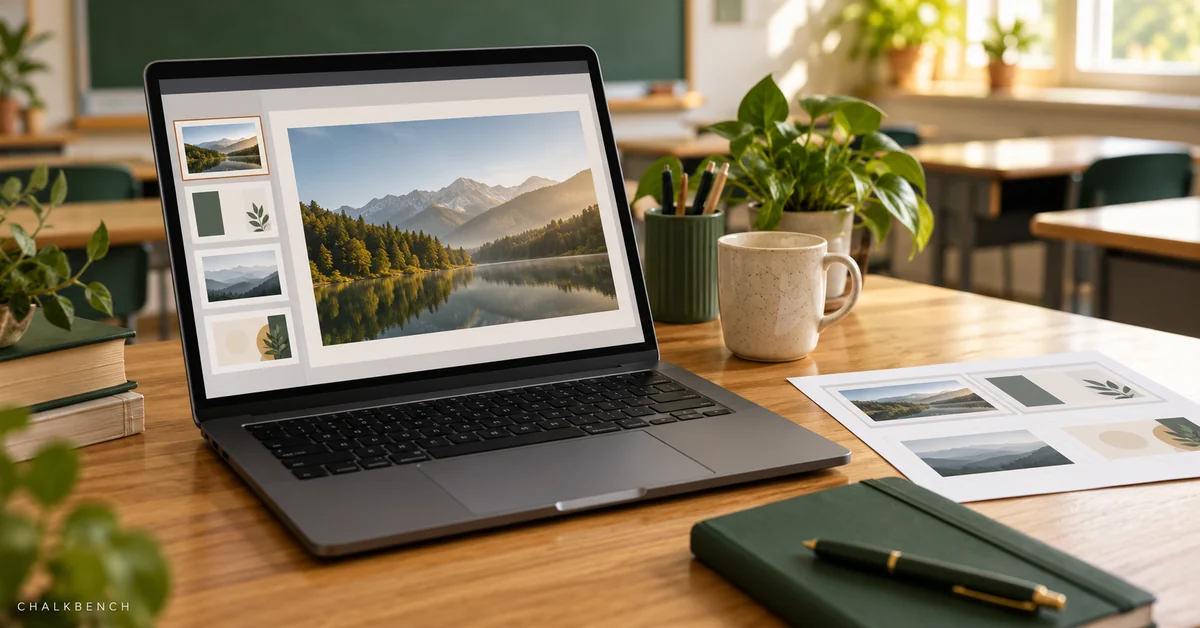
Laptop showing a conceptual slide presentation beside printed slide thumbnails.

Reduce PowerPoint file size while preserving readable images, working media, captions, and a usable teaching presentation.
Categories Classroom Tech Help

Chromebook Won’t Print: Checks for Teachers and School Devices

October 10, 2026September 22, 2026 by M. Danish
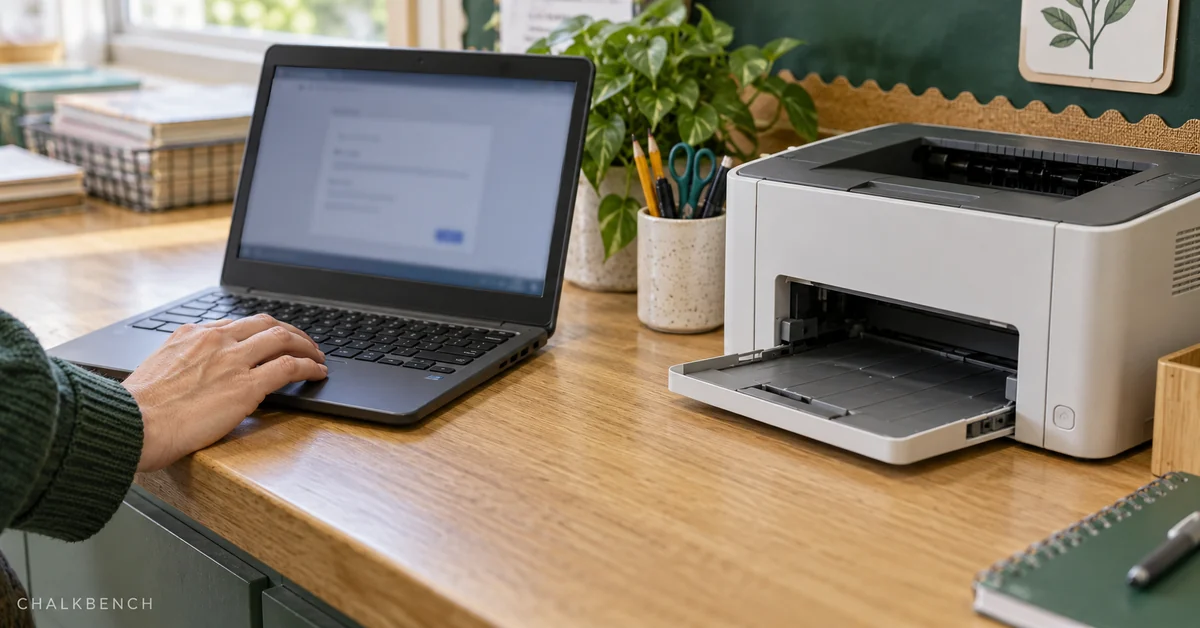
Teacher using a Chromebook beside a school printer with an empty output tray.

Troubleshoot Chromebook printing by checking the printer, connection, and file, then give school IT a clear fault report.

Categories Classroom Tech Help

ChalkBench

Practical Technology for Educators

Clear questions. Useful evidence.
Better teaching days.

AboutContactHow We TestEditorial PolicyAI PolicyAffiliate DisclosurePrivacy PolicyTerms of UseEditorial DeskAI ToolsTech HelpResources
© 2026 ChalkBench • Built with GeneratePress